Getting started
From nothing to driving on a server. Takes a few minutes.
You need
- A Windows PC
- BeamNG.drive from Steam
- A Steam account
Busy servers
A server with about 25 cars or more (players and traffic together) needs a graphics card with more than 6 GB of video memory (VRAM). With less, the game can stutter or crash there. Pick a quieter server instead.
- 1Download HighBeam.
It's free.
- 2Open the file you downloaded.
HighBeam installs itself and opens. You don't have to pick a folder.
Heads upIf Windows says Windows protected your PC, click More info, then Run anyway.
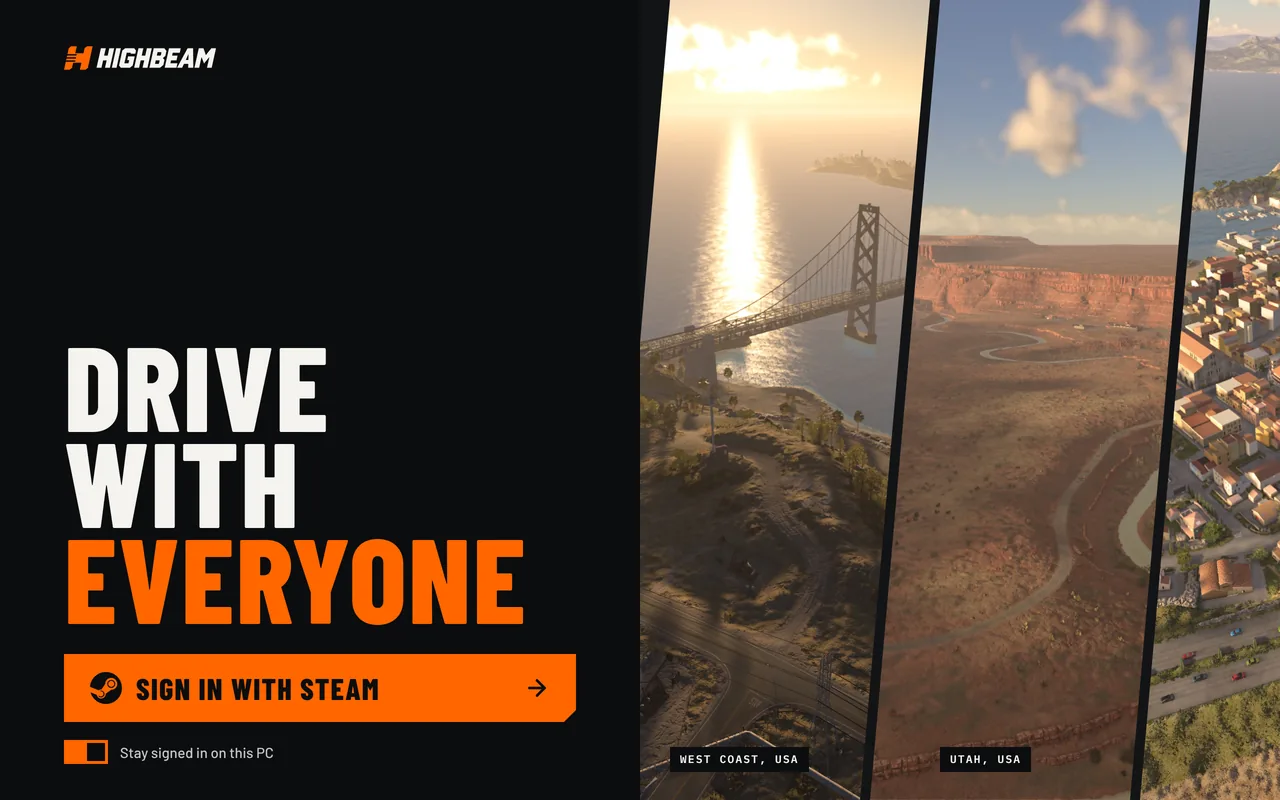
- 3Click Sign in with Steam.
Your browser opens Steam's page. Sign in there, then come back to HighBeam.
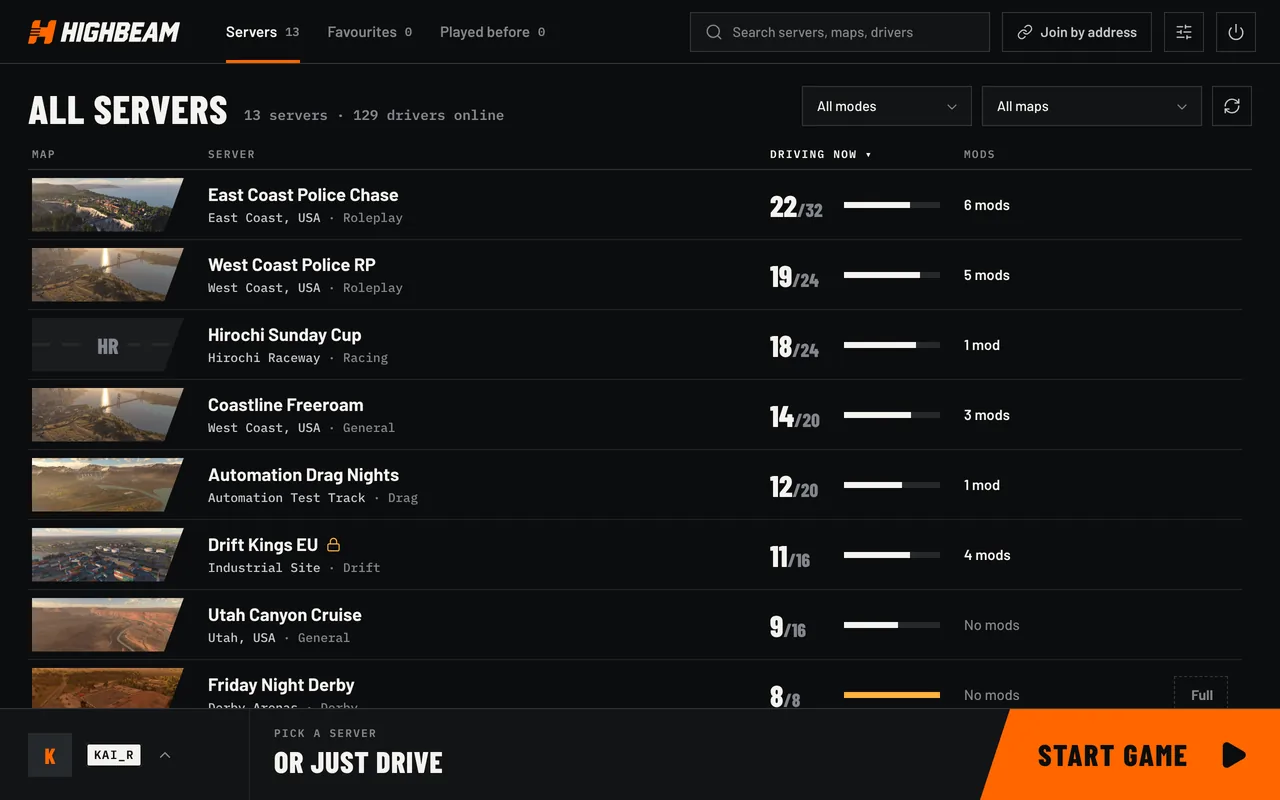
- 4Pick a server and click Join.
HighBeam starts BeamNG.drive and puts you on the server.
That's it.
You're driving. Hold G to talk to the people around you.