Joining a server
Three ways in: the list, an invite link, or an address.
From the server list
- 1Click a server in the list.
It opens and shows the map, who's driving and its mods.
- 2Click Join.
- 3If HighBeam shows the server's mods, click Join.
The mods download first. They're only used on this server.

- 4If it asks for a password, type it in.
The server's owner gives you the password.
From an invite link
- 1Open the link your friend sent.
It shows the server and who's on it.
- 2Click Join.
HighBeam opens and joins. No HighBeam yet? Click Download on the same page first.
By address
- 1Click Join by address at the top of HighBeam.
- 2Type the address and press Enter.
It looks like
play.example.net:27015.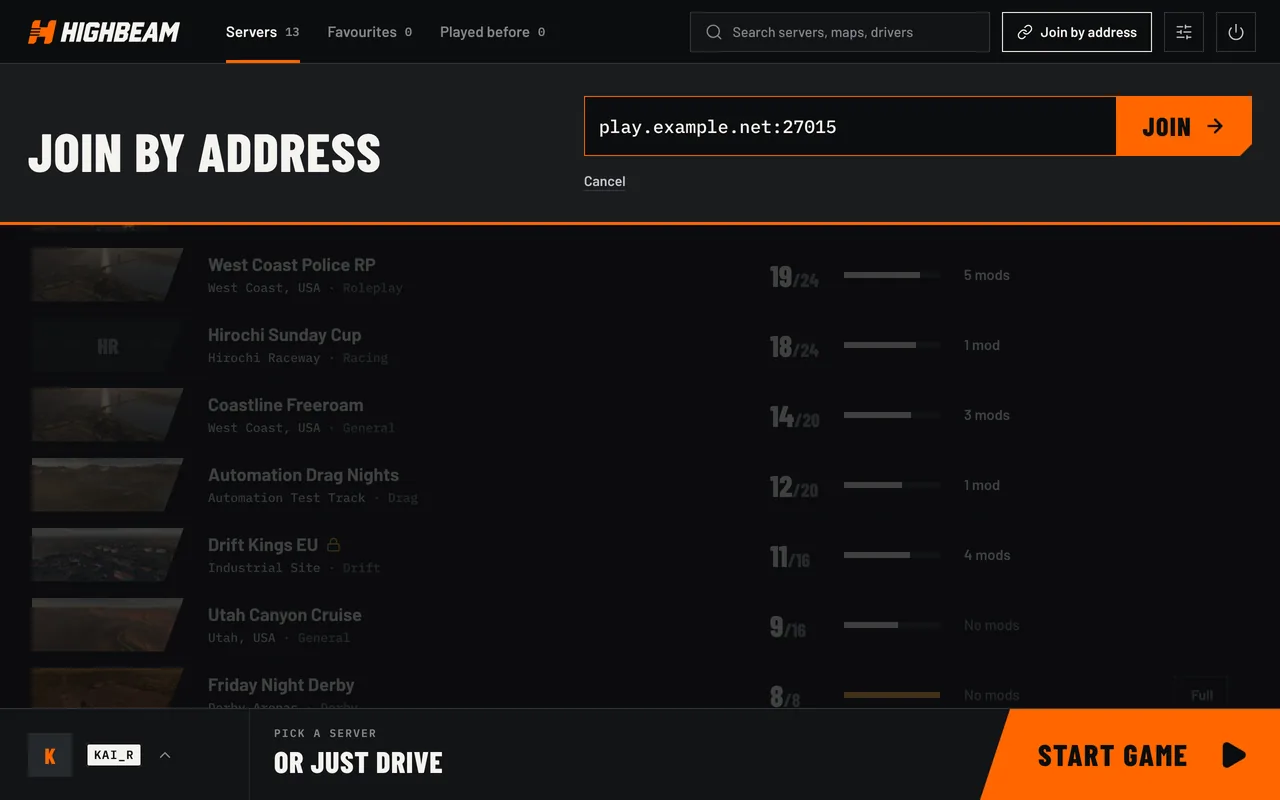
In the game
GHold to talk
TChat
YWho's on the server
UServer list
Tip
To leave, click Disconnect in HighBeam, or just close the game.
Tip
Click Favourite on a server to keep it in your Favourites tab. To invite friends, find the server on the server list here, open it and click Copy invite link.